Best Windows 10 Desktop Wallpaper Themes
Best Windows 10 Desktop Wallpaper Themes
Finding the perfect desktop wallpaper themes for Windows 10 can transform your computing experience from mundane to inspiring. Your desktop is your digital canvas, and the backdrop you choose sets the tone for your entire workflow and mood. Whether you’re a creative professional seeking inspiration, a student looking for focus, or simply someone who appreciates aesthetic beauty, there’s a universe of customizable themes waiting to be explored. This guide will delve into some of the most popular and effective ways to personalize your Windows 10 desktop, offering a range of options to suit every taste and need. From sprawling landscapes to minimalist designs, we’ll help you discover themes that not only look good but also enhance your digital environment.
The beauty of Windows 10 lies in its inherent flexibility. Beyond just changing a single image, you can curate entire collections of wallpapers that cycle throughout the day, synchronize with specific applications, or even react to your system’s activity. This level of customization allows for a truly dynamic and personalized digital space. Let’s explore the different avenues you can take to find and implement the best desktop wallpaper themes for Windows 10.
Exploring Built-in Windows 10 Themes
Microsoft understands the importance of visual appeal and offers a selection of pre-installed themes that provide a good starting point. These themes often come with a curated set of wallpapers, accent colors, and even sounds, creating a cohesive aesthetic. To access these, simply right-click on your desktop, select “Personalize,” and then navigate to “Themes.” Here, you’ll find categories like “Windows,” “Light,” “Dark,” and various creative collections that Microsoft periodically releases. These are excellent for a quick and easy refresh.
Within the “Themes” section, you can also explore the Microsoft Store for additional free and paid theme packs. These often focus on specific subjects, such as animals, nature, architecture, or even popular video games and movies. These packs are a fantastic way to discover high-quality images curated by professionals, ensuring a polished and visually pleasing experience.
Crafting Your Own Personalized Desktop Wallpaper Themes for Windows 10

While pre-made themes are convenient, the ultimate personalization comes from crafting your own unique desktop wallpaper themes for Windows 10. This involves selecting your own images and configuring them to your liking.
The Power of Personal Images

One of the most straightforward approaches is to select your favorite photographs. These could be cherished family memories, breathtaking travel photos, or even abstract art you admire. Windows 10 allows you to browse your personal files and set any image as your wallpaper. You can also choose how the image is displayed: “Fill,” “Fit,” “Stretch,” “Tile,” “Center,” or “Span” across multiple monitors.
Dynamic Wallpaper Collections
Tired of the same static image? Windows 10’s slideshow feature is your best friend. Within the “Personalization” settings, under “Background,” you can select “Slideshow” as your background type. This allows you to create a folder of images that will rotate at a chosen interval – from every minute to once a day. This is perfect for creating a vibrant and ever-changing desktop. You can even set different slideshows for different occasions or moods. For instance, a collection of serene nature scenes for relaxation, or energetic cityscapes for a productivity boost.
Diving into Third-Party Theme Resources
The world outside of Microsoft’s offerings is vast and brimming with creative possibilities. Numerous websites and applications are dedicated to providing an endless supply of high-resolution wallpapers and thematic collections.
Wallpaper Websites
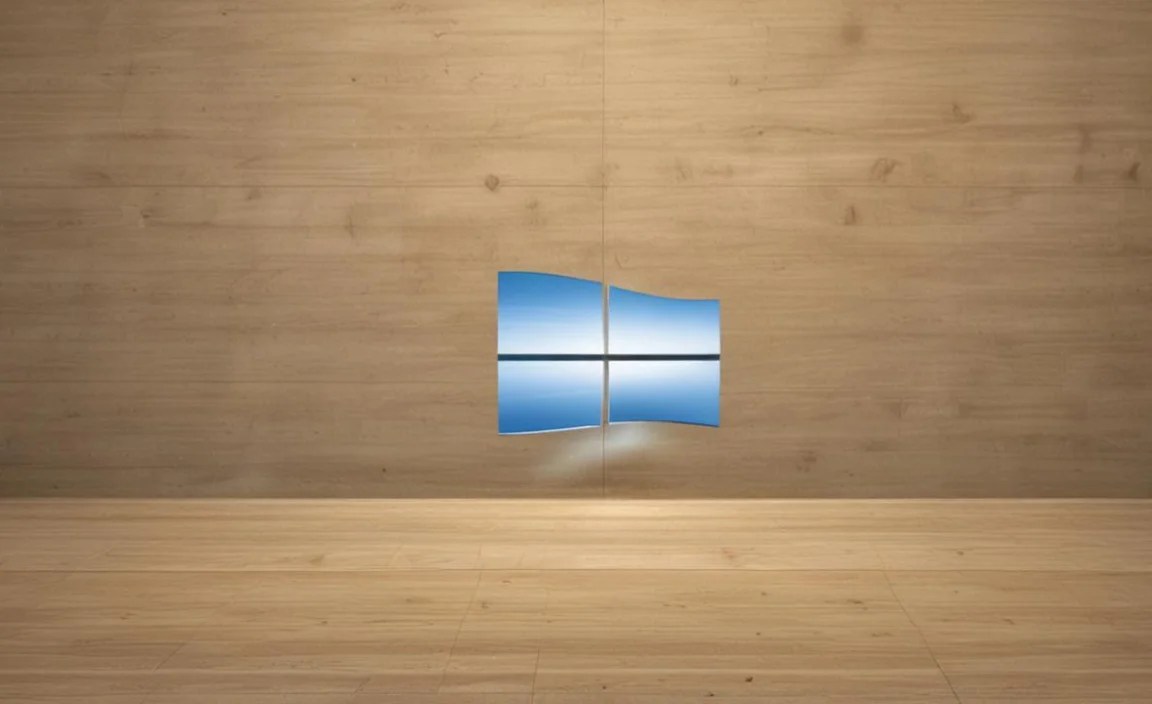
Websites like Unsplash, Pexels, Pixabay, and Wallhaven.cc offer millions of free, high-quality images across every conceivable category. These platforms are populated by talented photographers and artists who generously share their work. Searching for specific keywords like “minimalist,” “abstract,” “space,” or “vintage” will yield countless stunning images. Many of these sites also allow you to filter by resolution, ensuring you get a wallpaper that looks crisp on your specific monitor.
Thematic Apps and Services
Beyond simple image repositories, there are dedicated applications that curate and manage desktop wallpaper themes for Windows 10. Applications like Wallpaper Engine (a paid option on Steam) offer animated wallpapers, interactive desktops, and even wallpapers that react to your system’s performance. For those who prefer curated, thematic packs, many websites offer downloadable `.deskthemepack` files that, when double-clicked, automatically install the wallpapers, accent colors, and sounds into your Windows theme settings.
Designing Your Workspace for Productivity and Aesthetics

When selecting desktop wallpaper themes for Windows 10, consider how they impact your workflow.
Minimalist Approach for Focus
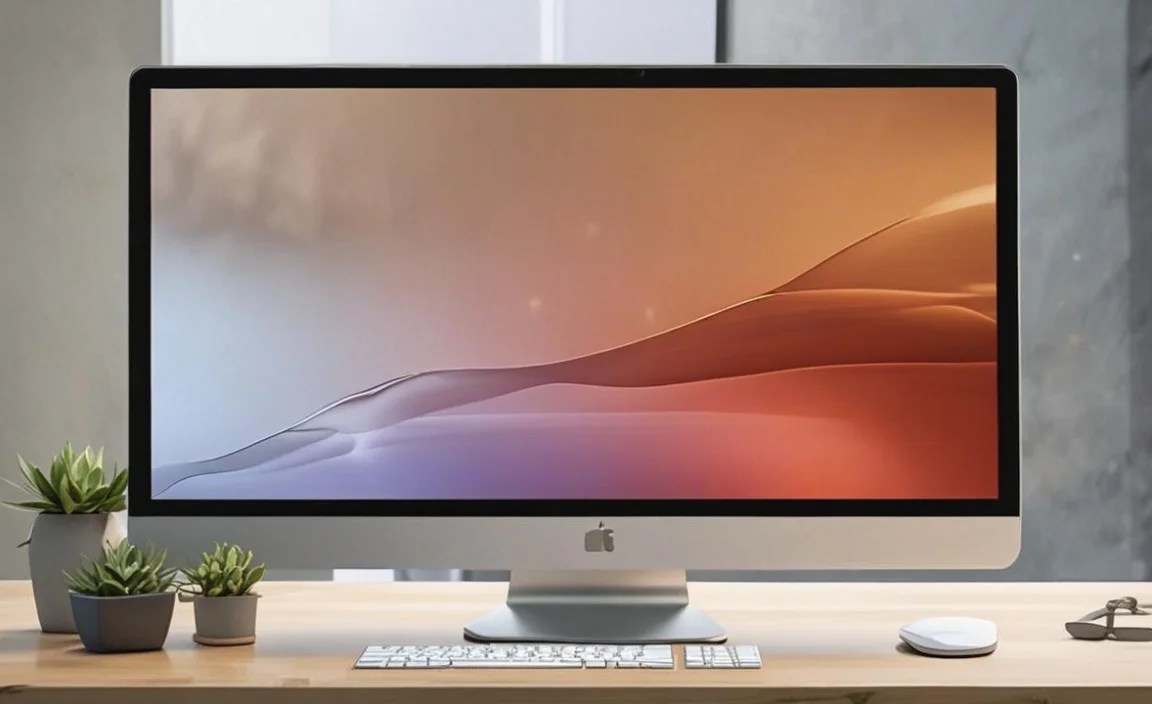
For tasks requiring deep concentration, a minimalist wallpaper can be incredibly beneficial. Clean lines, subtle color palettes, and uncluttered imagery reduce visual distractions, allowing you to focus on your work. Think soft gradients, abstract geometric patterns, or serene natural vistas with plenty of negative space.
Inspirational Themes for Creativity
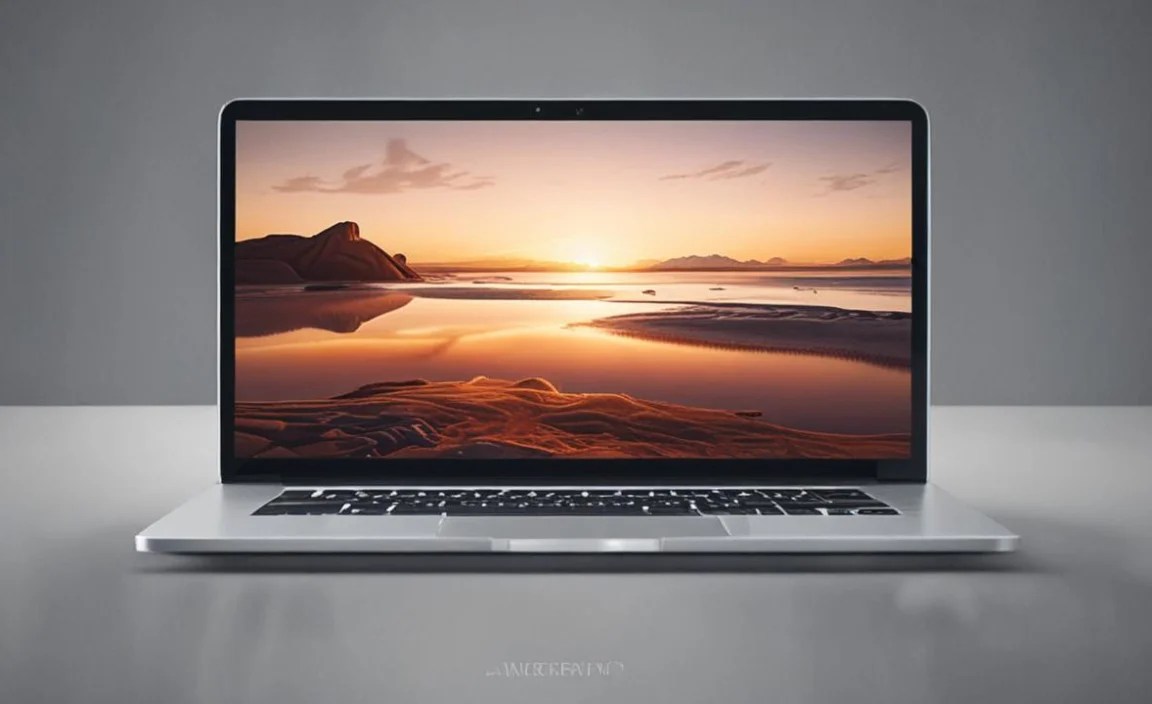
If your work involves creativity, choose wallpapers that spark your imagination. This could be anything from intricate digital art and surreal landscapes to motivational quotes artfully designed. Visual inspiration can often unlock new ideas and perspectives.
Dark Mode Integration
Many users find dark mode easier on the eyes, especially during long work sessions or at night. When choosing or creating themes, consider how the wallpapers will appear with your Windows 10 dark mode enabled. Many modern wallpapers are designed with this in mind, offering pleasing contrasts.
Maintaining Your Theme
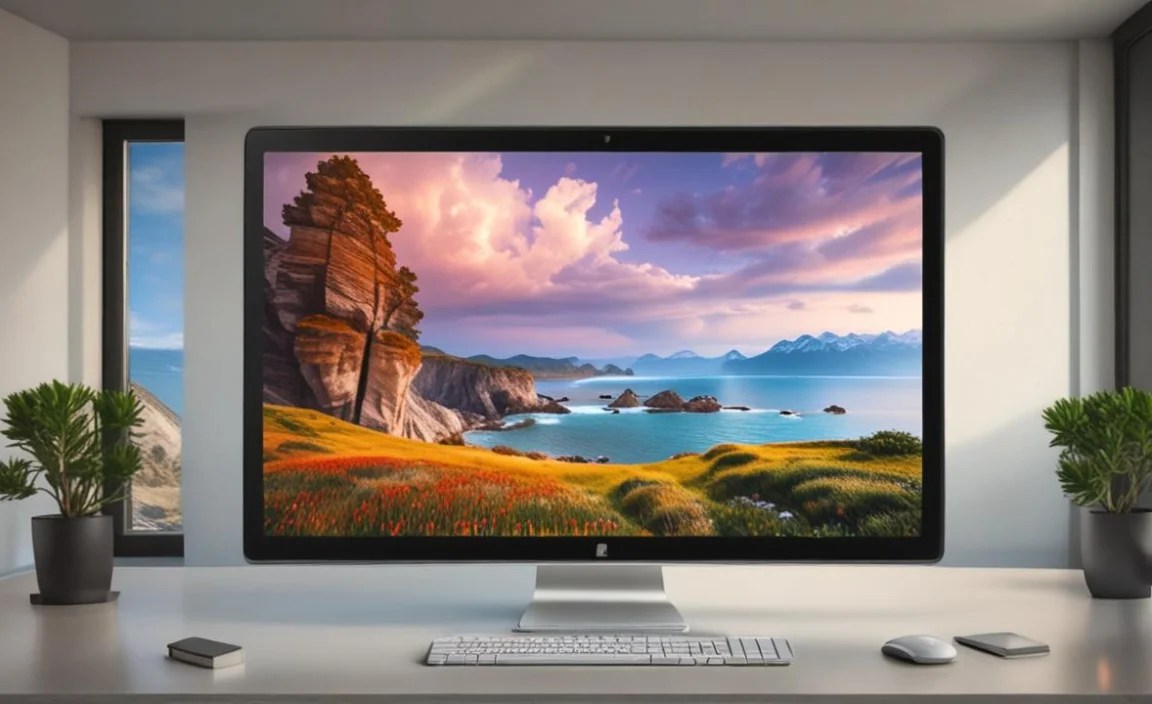
Once you’ve found or created your perfect desktop wallpaper themes for Windows 10, remember to refresh them periodically. This keeps your digital environment feeling new and prevents wallpaper fatigue. Consider setting a monthly reminder to explore new themes or revisit older favorites. Ultimately, your desktop is a reflection of you, so take the time to make it a space you enjoy spending time in. By leveraging the built-in features of Windows 10 and exploring the vast resources available, you can create a visually stunning and personally meaningful desktop experience.