
Stunning Windows 10 Wallpapers: Best Choices
Transforming your desktop experience doesn’t always require deep dives into complex settings or extensive software installations. Often, the simplest and most impactful change you can make to your Windows 10 PC is by selecting a stunning Windows 10 wallpaper. Your desktop background is the first thing you see when you log in, and it can significantly influence your mood, productivity, and overall enjoyment of your computer. Whether you’re seeking a serene landscape to inspire calm, a vibrant abstract to ignite creativity, or a sleek minimalist design to reduce visual clutter, the options are virtually limitless. This exploration will guide you through some of the best choices for background wallpaper for Windows 10, helping you find the perfect visual accompaniment to your digital life.
The beauty of Windows 10 lies in its customization capabilities, and nothing showcases this better than the freedom to choose your ideal desktop aesthetic. Beyond the default options provided by Microsoft, a vast universe of high-quality wallpapers is accessible through various online platforms. These aren’t just static images; they can be windows to other worlds, artistic expressions, or functional aids that subtly enhance your workflow.
Where to Find Breathtaking Background Wallpaper for Windows 10

The journey to a more visually appealing desktop begins with discovering reliable sources for exceptional wallpapers. Fortunately, the internet offers a treasure trove of options for every taste.
Microsoft’s Built-in Options: While often overlooked, Windows 10 comes with a curated selection of beautiful images. These range from abstract art to stunning photography, offering a polished starting point. You can access these by right-clicking on your desktop, selecting “Personalize,” and then navigating to “Background.” Here, you can choose between “Picture,” “Solid color,” or “Slideshow,” and browse the provided collection.
Unsplash: This platform is a goldmine for high-resolution, royalty-free images. Photographers from around the world contribute their work, making it an excellent resource for landscapes, cityscapes, nature shots, and much more. Unsplash’s search functionality is robust, allowing you to find specific themes with ease.
Pexels: Similar to Unsplash, Pexels offers a vast library of free stock photos. Its collection is diverse, catering to professional-looking desktops, artistic endeavors, and personal preferences.
Wallhaven: For those who enjoy a wider variety, including anime, fantasy, and more niche genres, Wallhaven is a popular choice. It features a massive community-driven collection, ensuring you can find wallpapers that align with even the most specific interests.
InterfaceLIFT: This site is dedicated to providing high-quality wallpapers, often with a focus on photography and artistic compositions. They offer curated collections and frequently update their offerings, ensuring fresh content.
Categories of Stunning Background Wallpaper for Windows 10

Once you know where to look, understanding the different types of wallpapers can help you narrow down your search.
Nature and Landscapes: Bringing the Outdoors In

There’s a timeless appeal to natural scenery. Panoramic vistas, majestic mountain ranges, serene forests, or tranquil ocean shores can transform your desktop into a calming escape from the everyday hustle. These wallpapers can evoke a sense of peace and wonder, making your computer a more inviting space. High-resolution images of the aurora borealis, a dew-kissed flower, or a rugged coastline can add a touch of awe to your digital environment.
Abstract and Geometric: Igniting Creativity
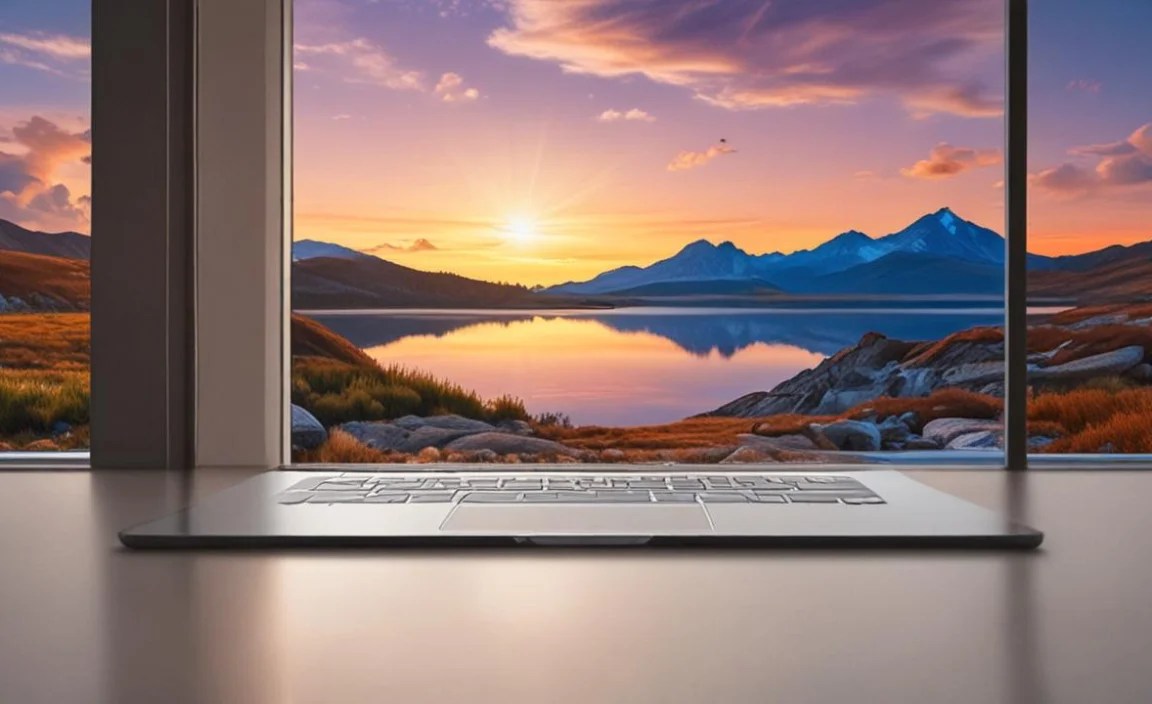
For those who prefer something more modern and abstract, geometric patterns, fluid gradients, and abstract art offer a dynamic visual experience. These wallpapers can stimulate creativity and add a contemporary flair to your setup. Bold color combinations, intricate designs, or minimalist shapes can make a strong statement without being overwhelming. They are particularly good for reducing distractions if your work requires intense focus.
Minimalist and Clean: Enhancing Productivity
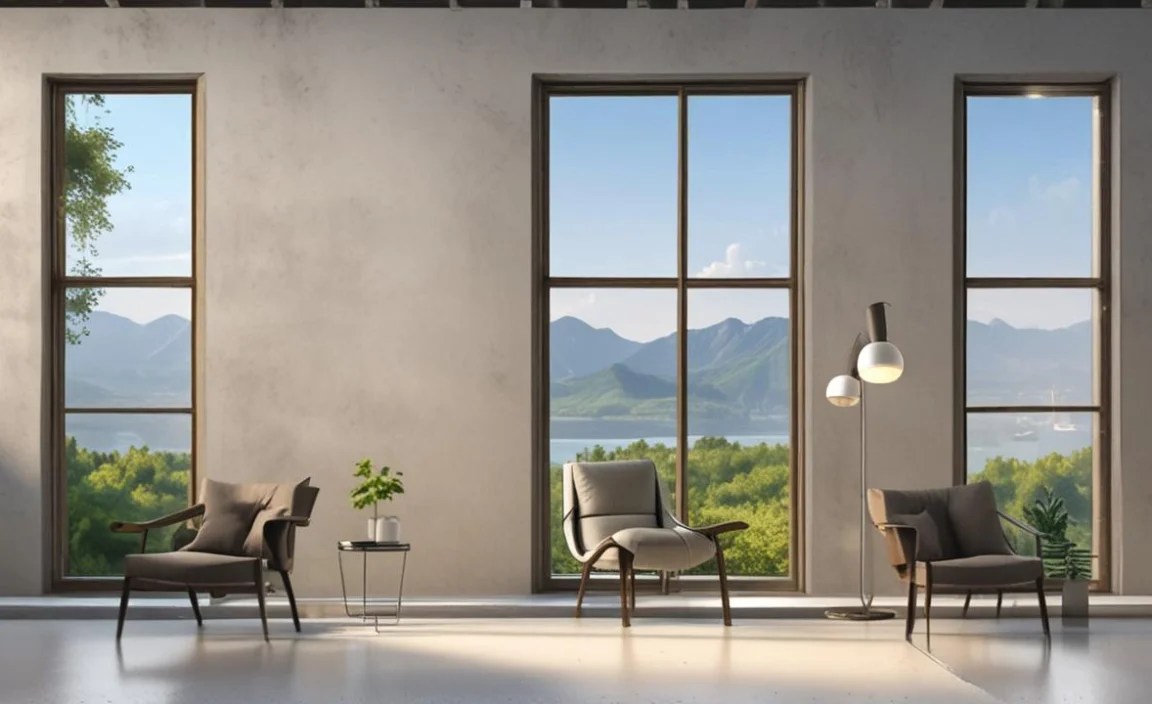
Simplicity can be incredibly powerful. Minimalist wallpapers, often featuring solid colors, subtle textures, or very little detail, can help reduce visual clutter and create a more focused workspace. This is ideal for users who find busy backgrounds distracting. A clean desktop can lead to a clearer mind and improved productivity. Think soft pastels, subtle gradients, or simple line art.
Cityscapes and Architecture: Urban Sophistication

If you’re drawn to the energy and sophistication of urban environments, cityscapes and architectural wallpapers are an excellent choice. From the glittering lights of a metropolis at night to the clean lines of modern architecture, these images can add a sense of dynamism and style to your desktop. Iconic landmarks or intricate building designs can serve as constant reminders of the world’s architectural wonders.
Gaming and Sci-Fi: Immersive Worlds
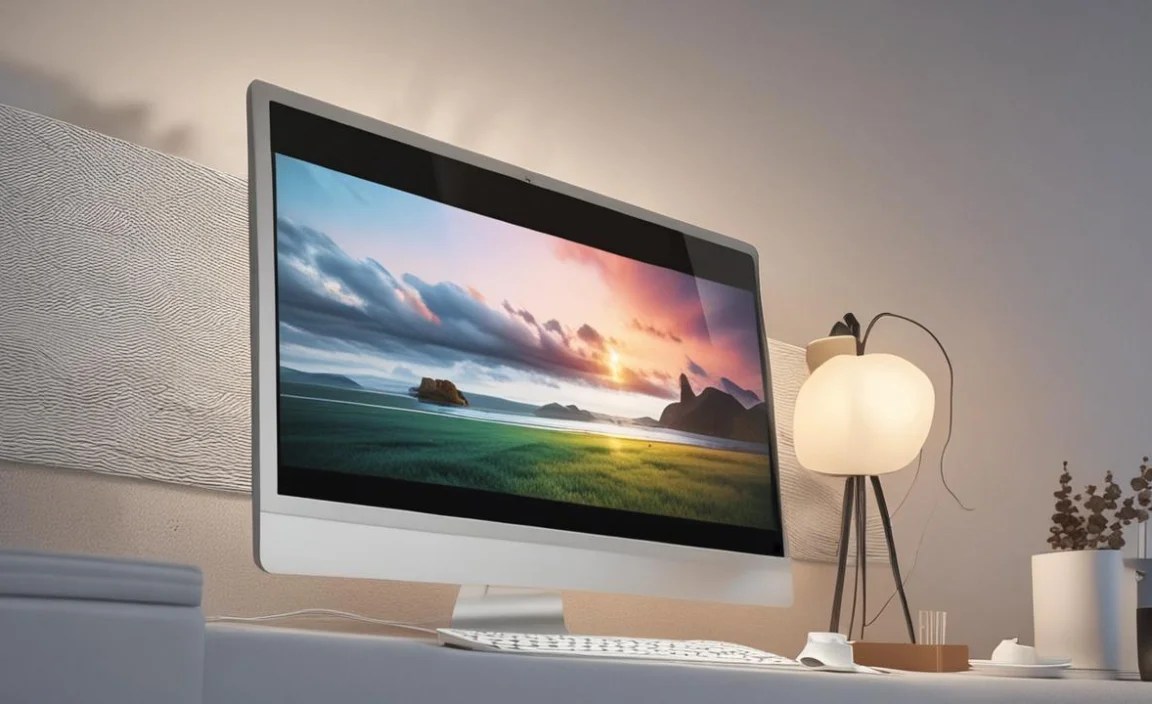
For gamers and science fiction enthusiasts, there’s a vast array of immersive wallpapers available. These can feature breathtaking scenes from your favorite games, fantastical creatures, futuristic technology, or breathtaking alien landscapes. Such wallpapers can enhance the overall gaming atmosphere and express your personal passions.
Tips for Choosing and Using Your Windows 10 Wallpaper
Selecting the perfect background wallpaper for Windows 10 is just the first step. Here are some tips to ensure your chosen image enhances your experience:
Resolution Matters: Always choose wallpapers that match or exceed your screen’s resolution. A low-resolution image will appear pixelated and blurry, detracting from the visual appeal. Most modern screens are Full HD (1920×1080) or higher, so aim for images with similar dimensions.
Consider Your Icons: Think about how your desktop icons will sit on the wallpaper. Busy or dark backgrounds can make icons difficult to see. If you have many icons, a simpler or lighter background might be more practical. Windows 10 offers options for icon transparency and shadow effects that can help.
Personalize Your Experience: Don’t be afraid to experiment. What one person finds inspiring, another might find distracting. Try different styles and subjects until you find something that truly resonates with you. Your wallpaper should be a source of enjoyment and comfort.
Embrace the Slideshow: If you love variety, the slideshow feature is your best friend. You can create folders of your favorite wallpapers and have Windows 10 cycle through them automatically. This keeps your desktop fresh and prevents visual monotony.
Keep it Thematically Consistent: For some, maintaining a consistent theme across their desktop can be important for a sense of order. This could mean choosing wallpapers that fit a specific color palette, general mood (e.g., calm and natural), or even the season.
In conclusion, your Windows 10 desktop is a canvas, and a stunning Windows 10 wallpaper is the brushstroke that can bring it to life. By exploring the diverse sources and categories available, and by considering a few practical tips, you can transform your computing experience, making it more visually appealing, inspiring, and ultimately, more enjoyable. So, take a moment, explore the possibilities, and find the perfect background that speaks to you.


