
Christmas Themes for Windows 10: Best
Christmas themes for Windows 10 offer a delightful way to infuse your digital workspace with the warmth and magic of the holiday season. Gone are the days of drab, uninspired desktops; with a few clicks, you can transform your computer into a twinkling wonderland, complete with snow-dusted landscapes, glowing fireplaces, or even playful reindeer. This festive makeover isn’t just about aesthetics; it’s about creating an environment that lifts your spirits, spreads joy, and gets you into the holiday mood, whether you’re working, studying, or simply browsing.
In the hustle and bustle of the holiday season, our computers often become central hubs for gift shopping, holiday planning, and sending warm wishes. Why not ensure that your primary digital interface reflects the joyous spirit of Christmas? From classic, traditional designs to modern, minimalist interpretations, there’s a Christmas theme out there to suit every taste. Let’s explore some of the best options to make your Windows 10 experience truly sparkle this year.
Where to Find the Best Christmas Themes for Windows 10

The journey to a festive desktop begins with finding the right resources. Fortunately, Microsoft and a host of talented theme creators have made it incredibly easy to access a wide array of Christmas themes for Windows 10.
The most straightforward and official avenue is the Microsoft Store. Within the store, you’ll find a dedicated section for themes, and a quick search for “Christmas” will reveal a treasure trove of options. These are typically free to download and install, offering a seamless integration with your operating system. They often include a curated collection of high-resolution wallpapers, complementary sound schemes, and sometimes even custom cursor designs.
Beyond the Microsoft Store, numerous reputable websites specialize in Windows themes. These can offer more variety, including user-created themes that often showcase incredible artistic talent. Always ensure you’re downloading from trusted sources to avoid malware or intrusive software. Look for websites with active communities, clear download instructions, and positive reviews. Remember to check the compatibility of any theme you download to ensure it works smoothly with your specific version of Windows 10.
H3: Exploring Different Styles of Christmas Themes

The beauty of Christmas themes for Windows 10 lies in their diversity. Whether you prefer a serene winter scene or a more vibrant celebration, there’s a style to match your festive vision.
For those who adore the tranquility of the season, themes featuring snow-covered landscapes are a must-have. Imagine a desktop adorned with images of gentle snowflakes falling on pine trees, frozen lakes reflecting moonlight, or charming cottages with smoke curling from their chimneys. These themes often evoke a sense of peace and quiet contemplation, perfect for a calm and cozy atmosphere.
If your ideal Christmas is full of life and merriment, opt for themes that showcase vibrant holiday decor. Think of richly decorated Christmas trees adorned with sparkling ornaments and twinkling lights, tables laden with festive treats, or rooms aglow with the warm embers of a crackling fireplace. These designs inject energy and excitement into your digital space, making every glance a delightful reminder of the festive spirit.
Don’t forget the whimsical side of Christmas! Themes featuring playful Santa Claus figures, a parade of joyful reindeer, or charming cartoon-style holiday characters can bring a smile to your face. These are particularly great if you have children who will be using the computer, or if you simply enjoy a touch of lighthearted fun.
Incorporating Sound and Color Schemes

A truly immersive Christmas theme for Windows 10 often goes beyond just wallpapers. Many theme packages include complementary sound schemes. These can replace the default system notification sounds with festive jingles, sleigh bells, or even short, cheerful Christmas carols. The subtle addition of these sounds can significantly enhance the overall holiday mood, making even the mundane task of receiving an email feel a little more magical.
The color palette of your theme also plays a crucial role. Traditional Christmas colors like deep reds, forest greens, snowy whites, and rich gold are frequently employed. However, you can also find themes that embrace cooler blues for a frosty winter feel or warmer, earthy tones for a rustic cabin ambiance. When selecting a theme, consider how its color scheme will affect your eyes during long periods of use. Vibrant and bright themes can be exhilarating, but a more subdued palette might be better for extended work sessions.
Customization is Key for Your Christmas Theme
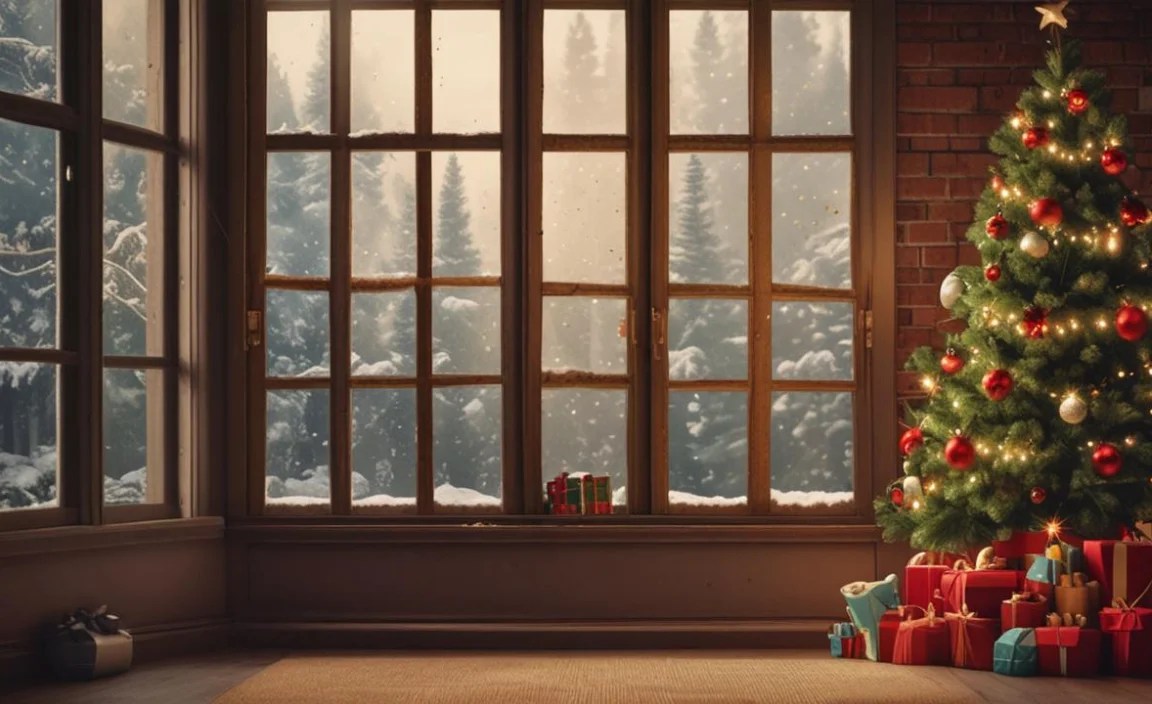
While pre-packaged Christmas themes for Windows 10 are fantastic, don’t be afraid to customize further. You can often mix and match elements from different themes. For example, you might like the desktop background from one theme but prefer the custom icons or sound scheme from another. Windows 10 allows for a fair amount of personalization. You can adjust screen saver settings to display a festive slideshow, change the color of your taskbar and window borders to complement your theme, and even replace your mouse cursor with a holiday-themed one.
Consider creating your own personal touch. If you have cherished holiday photos, such as family gatherings or beautifully decorated trees, you can set these as your desktop background. Combine this with a festive screensaver and perhaps a carefully chosen song playing softly in the background, and you have a truly unique and personal Christmas experience right on your desktop.
In conclusion, transforming your Windows 10 desktop into a festive wonderland is an easy and rewarding way to enhance your holiday spirit. With a vast selection of beautiful and diverse Christmas themes for Windows 10 available, you can effortlessly bring the joy, warmth, and magic of the season directly to your digital workspace. So, dive in, explore the options, and let your desktop sparkle with the best of Christmas cheer!


