Stunning Windows 10 Desktop Clock
Stunning Windows 10 Desktop Clock
Having a visually appealing and functional clock for desktop Windows 10 can significantly enhance your computing experience. Beyond its primary purpose of timekeeping, a well-chosen desktop clock can add a touch of personality, streamline your workflow, and even provide useful complementary information. In the realm of digital customization, a desktop clock is a surprisingly impactful element that can transform a sterile operating system into a more dynamic and personalized workspace.
Windows 10 itself offers a basic clock integrated into the system tray, but for those seeking more than just a functional marker, the customization possibilities are vast. From minimalist designs that blend seamlessly with your wallpaper to elaborate gadgets offering weather forecasts, calendar integration, and even customizable alarms, the options are truly impressive. The key lies in understanding what you want from your desktop clock and exploring the diverse range of tools and applications available.
Why Choose a Custom Clock for Desktop Windows 10?
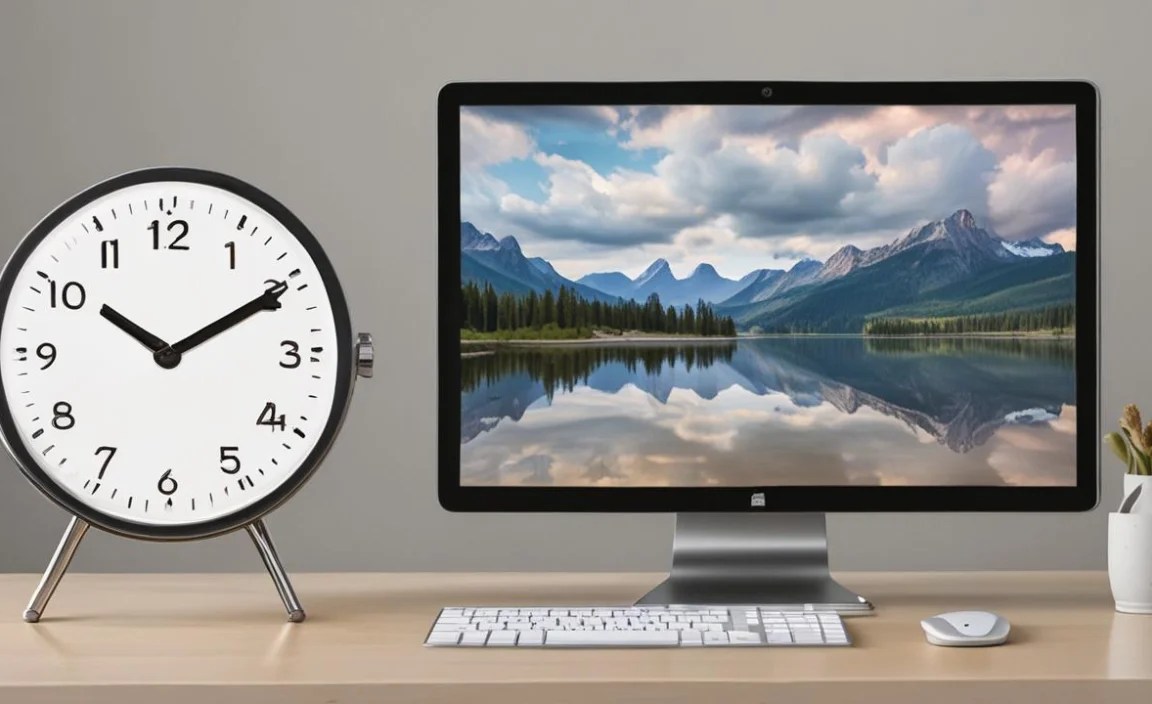
The standard Windows clock, while reliable, often leaves much to be desired in terms of aesthetics and features. Many users find it too small, too plain, or lacking in functions they might find useful. This is where the allure of a custom clock for desktop Windows 10 comes into play.
Enhanced Aesthetics: Let’s face it, the default clock is functional but rarely inspiring. Custom clocks come in a myriad of styles – modern, vintage, analog, digital, themed, and even animated. You can find a clock that perfectly complements your desktop wallpaper, your overall theme, or even your mood. This visual upgrade can make spending time at your computer a more pleasant experience.
Increased Functionality: Many custom clock applications go far beyond simple time display. They can integrate with your calendar, showing upcoming appointments at a glance. Others provide live weather updates for your location, along with forecasts. Some even offer customizable alarm functions, countdown timers, and stopwatches, all accessible directly from your desktop without needing to open separate applications.
Improved Productivity: For professionals and students alike, having essential information readily available can boost productivity. Imagine seeing your next meeting scheduled alongside the current time, or checking the weather before deciding on your commute. A well-configured desktop clock can act as your personalized dashboard, keeping you informed and organized.
Personalization and Expression: Your computer is an extension of yourself. A custom clock is a simple yet effective way to express your individual style and preferences. Whether you lean towards a sleek, futuristic design or a classic, analog look, there’s a clock out there to match your personality.
Exploring Different Types of Clocks for Desktop Windows 10

The world of desktop clocks for Windows 10 is diverse, catering to every imaginable taste and need. Here’s a breakdown of some popular categories:
1. Desktop Gadget Software: Tools like Rainmeter have revolutionized desktop customization. Rainmeter allows you to create and display highly customizable “skins” on your desktop, including intricate clocks with various functionalities. While it has a steeper learning curve, the level of control and personalization it offers is unparalleled. You can find pre-made clock skins or even design your own from scratch.
2. Standalone Clock Applications: Many developers offer dedicated clock applications that can be installed on Windows 10. These often come with user-friendly interfaces and a good balance of features and ease of use. They can range from simple digital clocks with customizable fonts and colors to more complex applications that include alarms, timers, and integration with external services.
3. Wallpaper-Integrated Clocks: Some wallpaper providers or customization suites offer dynamic wallpapers that include integrated clock elements. These can create a seamless and immersive aesthetic where the clock appears to be part of the artwork itself.
4. Minimalist Clocks: For those who prefer an uncluttered desktop, minimalist clocks are the way to go. These often feature clean lines, subtle animations, and essential timekeeping information. They are perfect for users who want functionality without visual distraction.
5. Themed and Animated Clocks: If you’re a fan of a particular movie, game, or aesthetic, you can find themed clocks that reflect your interests. Animated clocks can add a dynamic touch to your desktop, with subtle movements or visual cues indicating the passage of time.
Finding the Perfect Clock for Desktop Windows 10
When searching for the ideal clock for desktop Windows 10, consider the following factors:
Your Aesthetic Preferences: What style best suits your desktop and personal taste? Look at screenshots and demos to get a feel for the visual design.
Required Functionality: Do you only need to tell time, or do you want weather, calendar integration, alarms, or other features?
Ease of Use: Are you comfortable with complex customization tools like Rainmeter, or do you prefer a simpler, install-and-go application?
System Resource Usage: Some applications, especially those with extensive features or animations, can consume more system resources. If you have an older computer, opt for lighter-weight solutions.
* Reliability and Updates: Choose clocks from reputable developers that are regularly updated to ensure compatibility with the latest Windows versions and to fix any bugs.
The journey to finding the perfect clock for desktop Windows 10 is an enjoyable one. It’s a chance to infuse your digital environment with personality, functionality, and a touch of visual flair. By exploring the wide array of options available, you can transform your desktop from a utilitarian space into a truly stunning and personalized command center.