
Awesome Windows 10 Desktop Theme Pack
Awesome Windows 10 Desktop Theme Packs are more than just a visual refresh; they’re a way to personalize your digital workspace and inject a bit of your personality into your daily computing experience. In a world increasingly dominated by sterile, default interfaces, a well-chosen theme pack can transform your bland Windows 10 desktop into something truly inspiring, functional, and yours. Whether you’re a nature enthusiast, a cinephile, an art aficionado, or simply someone who craves a more calming or energetic environment, there’s a desktop theme pack out there waiting to be discovered. This article will dive deep into the world of Windows 10 theme packs, exploring what they are, where to find them, and how to make the most of them to create an awesome personalized experience.
Understanding the Magic of Desktop Theme Packs for Windows 10

So, what exactly constitutes a “desktop theme pack for Windows 10”? At its core, a theme pack is a collection of aesthetic elements designed to change the visual appearance of your operating system. This typically includes:
Wallpaper: The background image of your desktop. Theme packs often come with a curated set of high-resolution wallpapers that perfectly complement each other.
Color Scheme: This dictates the colors used in windows, taskbar, Start Menu, and other UI elements. A theme pack will provide a cohesive color palette.
Sounds: Custom sound effects for system events like notifications, errors, and startup.
Mouse Cursor: A unique cursor to match the overall theme.
Desktop Icons: Sometimes, theme packs also include custom icons for your desktop shortcuts.
Screensaver: A thematic screensaver to activate when your computer is idle.
The beauty of these theme packs lies in their ability to overhaul your entire desktop at once, effortlessly shifting the mood and feel of your digital environment. Instead of manually tweaking every individual setting, a single download and installation can bring about a dramatic transformation.
Where to Find Awesome Windows 10 Desktop Theme Packs

The good news is that Microsoft provides a readily accessible and vast repository for these visual customizations. The Microsoft Store is the primary and safest place to find genuine and high-quality desktop theme pack for Windows 10. Here’s how to navigate it and what to look for:
The Microsoft Store: Open the Store app on your Windows 10 PC. In the search bar, type “themes” or “desktop themes.” You’ll be met with a plethora of options categorized by interest, from landscapes and animals to abstract art and video games. Many are free, while others are premium offerings with unique artistic flair.
Curated Collections: Microsoft often curates special theme collections, such as holiday-themed packs, nature explorations (like National Geographic themes), or partnerships with popular franchises. Keep an eye on the “Apps” or “Games” sections for thematic integrations.
Third-Party Websites (Use with Caution): While the Microsoft Store is the recommended source due to security and ease of use, some independent websites offer theme packs. However, be extremely cautious. Downloading from unknown sources can lead to malware, viruses, or unstable system performance. Always ensure the source is reputable and offers clear download instructions.
When browsing, pay attention to the user reviews and ratings. These can give you valuable insights into the quality of the wallpapers, the cohesiveness of the color schemes, and any potential issues.
Crafting Your Perfect Visual Experience
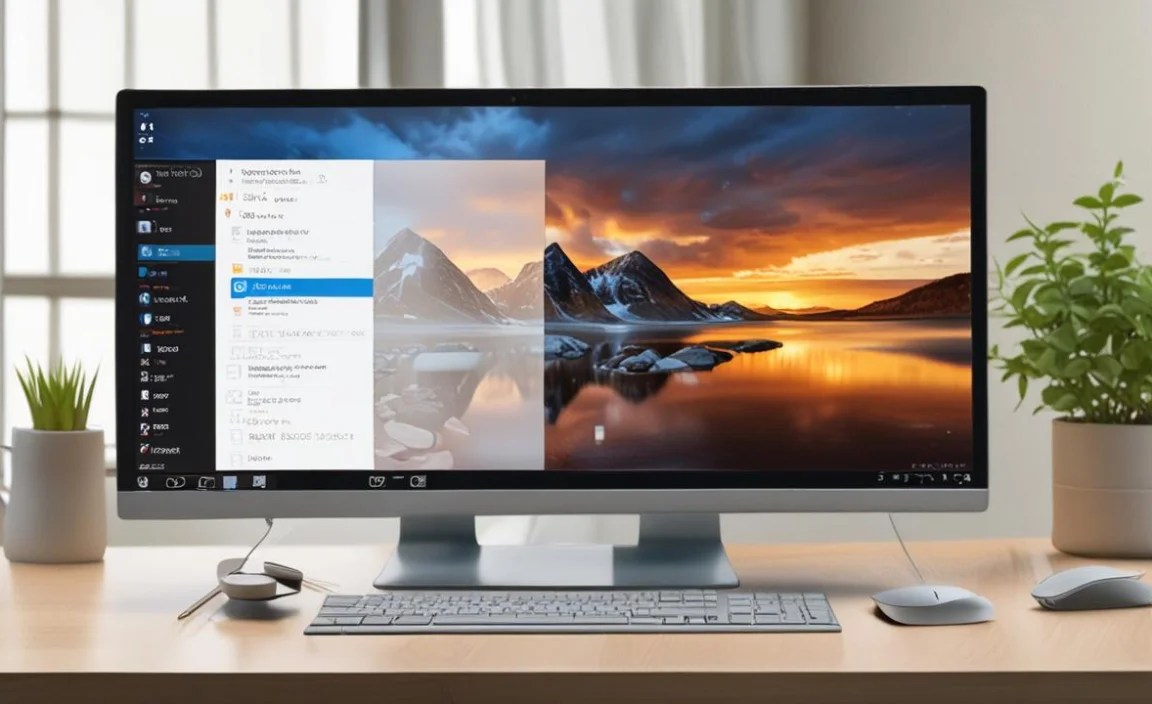
Once you’ve downloaded a theme pack, the installation process is usually straightforward. Simply click on the downloaded file (often an .`themepack` extension), and Windows 10 will automatically apply the changes. You can then further customize it.
Further Customization of Your Desktop Theme Pack for Windows 10:
Even after applying a theme pack, you retain a significant degree of control. Here’s how you can fine-tune your experience:
Wallpaper Selection: Don’t feel beholden to the default wallpaper. Right-click on your desktop and select “Personalize.” Under “Background,” you can choose to cycle through all the wallpapers in the theme pack, select a specific favorite, or even set a solid color.
Color Customization: In the “Colors” section of Personalization, you can tweak accent colors. While a theme pack will suggest a palette, you might prefer a slightly different shade. You can also choose whether these colors appear on the Start Menu, taskbar, and title bars.
Sound Schemes: If you’re not keen on the custom sounds, you can revert to the default Windows sounds or choose from other installed sound schemes by going to “Change system sounds” within the Personalization settings.
Cursor Changes: If the theme pack included custom cursors, you can manage or change them under “Mouse settings.”
Screensaver Settings: Access screensaver options through the Personalization menu to adjust the delay or choose a different screensaver altogether.
Benefits of a Personalized Desktop

Beyond the aesthetic appeal, using custom desktop theme pack for Windows 10 offers several practical advantages:
Enhanced Productivity: A visually stimulating or calming desktop can positively impact your focus and mood, leading to increased productivity. For example, nature themes can promote relaxation, while vibrant, energetic themes might boost creativity.
Reduced Eye Strain: Choosing soft, calming colors and well-designed wallpapers can be easier on your eyes, especially during long work or gaming sessions.
A Sense of Ownership: Personalizing your computer makes it feel more like your own personal space. This can be especially important in shared environments or for those who spend a significant amount of time in front of their screens.
Inspiration and Motivation: Your desktop is often the first thing you see when you log in. A theme that resonates with your passions, goals, or interests can serve as a daily source of inspiration and motivation.
Finding the “Awesome”
The “awesome” in an “awesome Windows 10 desktop theme pack” is subjective, of course. What one person finds inspiring, another might find distracting. The key is exploration and experimentation. Don’t be afraid to try out different themes. You can easily switch back to a default theme or uninstall a theme pack if it doesn’t suit your needs.
Consider the environment you want to create. Do you need a serene backdrop for focused work? Or perhaps a dynamic and exciting visual for gaming sessions? Are you a minimalist who prefers clean lines and subtle hues, or do you thrive on bold imagery and vibrant colors?
Think about your hobbies and interests. Love photography? Look for themes featuring stunning landscapes or portraits. Are you a fan of a particular movie or game? You might find officially licensed theme packs that bring those worlds to your desktop. Enjoy abstract art or geometric patterns? There are plenty of those too.
Ultimately, a desktop theme pack for Windows 10 is a powerful tool for transforming your digital experience. By understanding what they are, knowing where to find them, and taking the time to personalize them, you can create a Windows 10 desktop that is not only visually appealing but also enhances your productivity, reduces eye strain, and truly reflects your individual style. So, dive in, explore the vast collection of themes available, and craft a digital workspace that you’ll love coming back to every day.


