Stunning Clock Widget for Windows 10
A clock widget for Windows 10 desktop isn’t just about telling time; it’s about transforming your digital workspace into a more functional and aesthetically pleasing environment. While Windows 10 has a built-in clock in the taskbar, it’s often a minimalist affair, lacking the visual flair and informative capabilities that a dedicated widget can offer. For those seeking to inject personality and utility into their desktop, a thoughtfully chosen clock widget can be a revelation. It’s a small addition that can make a significant impact, offering a glanceable reminder of not just the hour, but potentially much more, all while enhancing the overall look and feel of your computer.
The appeal of a custom clock widget stems from its versatility. Unlike static wallpapers, these dynamic elements can be personalized to suit your individual taste and needs. From sleek, minimalist designs that blend seamlessly with your desktop theme to elaborate creations that become a focal point, the options are practically limitless. Whether you prefer analog or digital, a classic Roman numeral display or a futuristic digital readout, there’s a widget out there that will resonate with your aesthetic sensibilities. Beyond mere aesthetics, many widgets offer additional functionalities that can streamline your daily routine.
Beyond the Basics: Advanced Features of a Clock Widget for Windows 10 Desktop

When you start exploring the world of clock widgets for your Windows 10 desktop, you’ll quickly discover that they can offer far more than just the current time. Many advanced widgets integrate additional information and functionalities that can significantly boost your productivity and keep you informed at a glance. This could include displaying the current date, day of the week, and even vital system statistics like CPU usage, RAM consumption, and network speed. Imagine glancing at your desktop and instantly knowing not only the time but also how your system is performing – a true testament to efficient design.
Some of the more sophisticated widgets even incorporate calendar integration. This means you can see upcoming appointments, meetings, and deadlines directly on your desktop, acting as a constant visual reminder to stay on track. For those who work with multiple time zones, a clock widget can be invaluable, allowing you to display several clocks simultaneously, each set to a different city or region. This is perfect for global businesses, remote teams, or simply for keeping in touch with friends and family across the world. The ability to see these crucial pieces of information without having to open separate applications saves time and prevents distractions, making your workflow smoother and more efficient.
Finding the Perfect Clock Widget for Windows 10 Desktop
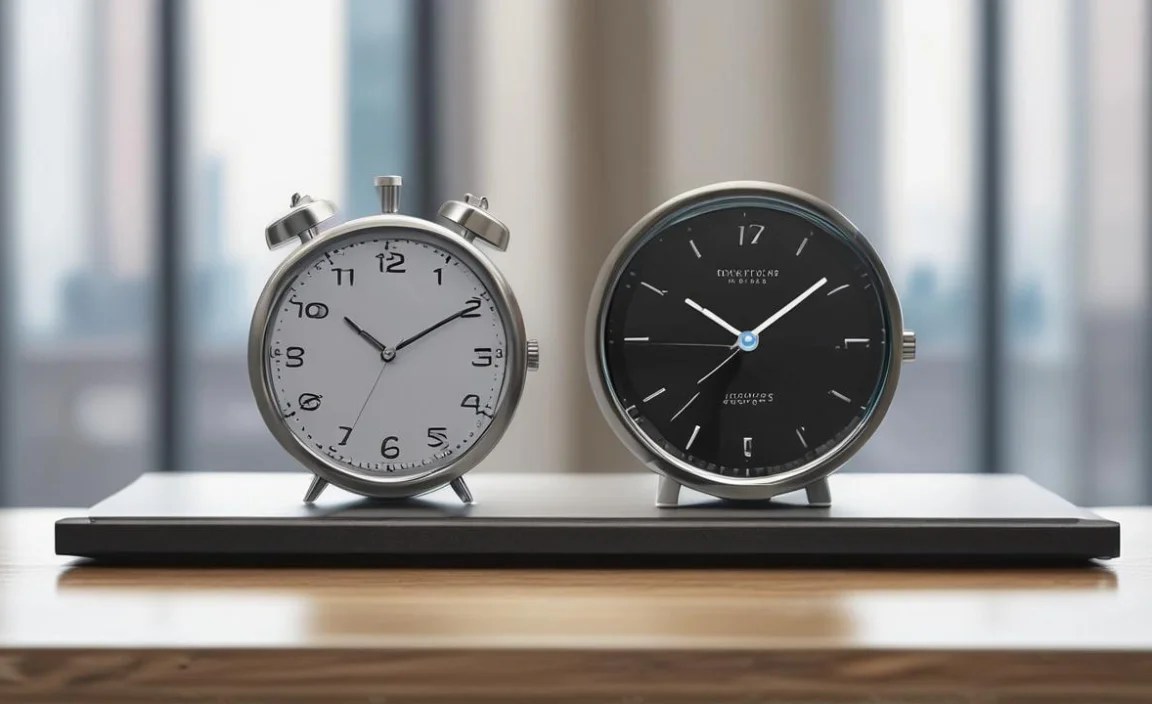
The sheer variety of available clock widgets for Windows 10 desktop can be both exciting and a little overwhelming. Fortunately, there are several popular platforms and applications that host a vast array of customization options. One of the most well-known is Rainmeter. This powerful and highly flexible desktop customization tool allows users to create and install custom skins, and clock widgets are among the most popular creations. While Rainmeter has a learning curve, the level of customization it offers is unparalleled. You can find thousands of pre-made skins online, or delve into editing and creating your own to perfectly match your vision.
Another excellent avenue to explore are dedicated widget applications. Many developers offer standalone programs designed specifically to provide stylish and functional clock widgets. These often come with user-friendly interfaces, making it easier to select, configure, and place widgets on your desktop. Look for applications that offer regular updates, a good selection of themes, and perhaps even options for integration with other desktop tools. Remember to download software only from trusted sources to avoid any security risks. Reading user reviews and checking for developer support can also provide valuable insights into the quality and reliability of a particular widget or application.
Customization is Key: Tailoring Your Widget
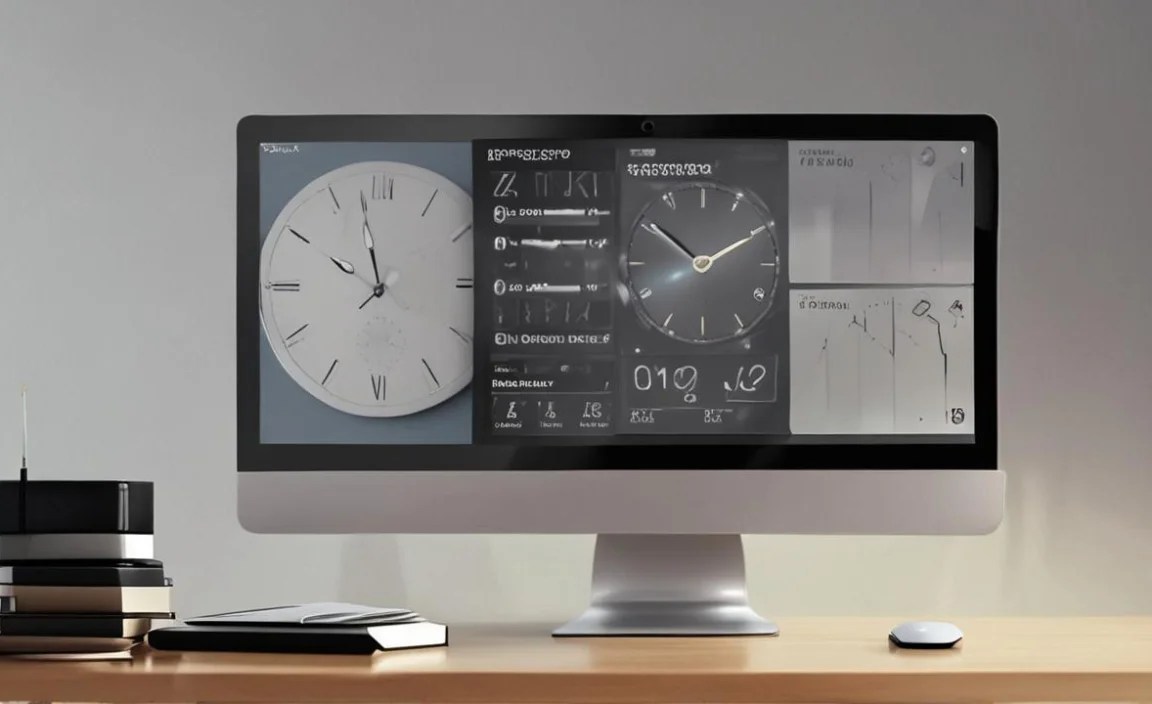
The true magic of a clock widget for Windows 10 desktop lies in its ability to be tailored to your specific preferences. Once you’ve chosen a widget or application, take the time to explore its customization options. This often includes:
Appearance: Adjusting font styles, colors, sizes, and transparency to match your wallpaper and overall desktop theme. You might want a bold, modern font, or perhaps a more classic, elegant serif.
Information Display: Deciding exactly what information you want to see. Do you need the seconds displayed? The battery percentage? The current weather conditions?
Interactivity: Some widgets offer interactive elements, like clicking on the clock to open your default alarm application or a specific calendar.
Positioning: Free placement allows you to position the widget anywhere on your screen. Some users prefer a corner, while others like it centrally located.
By meticulously adjusting these settings, you transform a generic widget into a personalized extension of your computing experience. It’s about creating a desktop that not only functions efficiently but also reflects your individual style and preferences. A well-chosen and beautifully configured clock widget can truly elevate your daily interaction with your computer, making your workspace a more enjoyable and productive place to be. So, dive in, explore the possibilities, and find the stunning clock widget that will make your Windows 10 desktop truly shine.