
Xbox Wireless Adapter: Best for Windows 10
Unlock Seamless Gaming: Why the Xbox Wireless Adapter is Your Best Bet for Windows 10 and Xbox One
Xbox wireless adapter for Windows 10 Xbox One enthusiasts, rejoice! If you’re looking to elevate your PC gaming experience with the precision and comfort of an Xbox controller, but are tired of tangled wires or Bluetooth frustrations, the official Xbox Wireless Adapter for Windows is your ultimate solution. This unassuming little dongle packs a powerful punch, delivering a stable, low-latency connection that truly transforms how you play your favorite titles on your PC. While other wireless solutions exist, the dedicated adapter offers a level of integration and performance that makes it the undisputed champion for Windows 10 users.
For years, PC gamers have wrestled with the compromises of wireless connectivity. Bluetooth, while convenient for many devices, can be notoriously inconsistent for gaming. Input lag, dropped connections, and the need to re-pair devices are common frustrations. This is where the Xbox Wireless Adapter shines. It’s not just another piece of generic wireless hardware; it’s designed by Microsoft, specifically to work in harmony with Xbox wireless controllers and the Windows operating system. This specialized design translates directly into a superior gaming experience, free from the common pitfalls of other wireless technologies.
The Unparalleled Advantages of the Xbox Wireless Adapter for Windows 10

One of the primary reasons the Xbox Wireless Adapter for Windows 10 Xbox One controllers stands out is its dedicated wireless band. Unlike Bluetooth, which operates on a crowded 2.4GHz spectrum shared with Wi-Fi, microwaves, and other devices, the Xbox Wireless Adapter uses its own proprietary protocol. This effectively creates a private highway for your controller’s input signals, minimizing interference and ensuring a consistently stable connection. This means no more random lag spikes that cost you precious in-game moments or frustrating disconnects during crucial boss fights. The adapter prioritizes your gaming, and the difference is palpable.
Furthermore, the adapter boasts significantly lower latency compared to standard Bluetooth connections. This is critical for any type of gaming, but especially for fast-paced action titles, fighting games, or competitive shooters where split-second reactions are paramount. The reduced delay between your physical input and the on-screen action creates a more responsive and immersive feel, allowing you to truly become one with your character and the game world. Many gamers report feeling a noticeable improvement in their overall control and precision after switching to the dedicated adapter.
Connecting Your Xbox One Controller: A Breeze with the Adapter
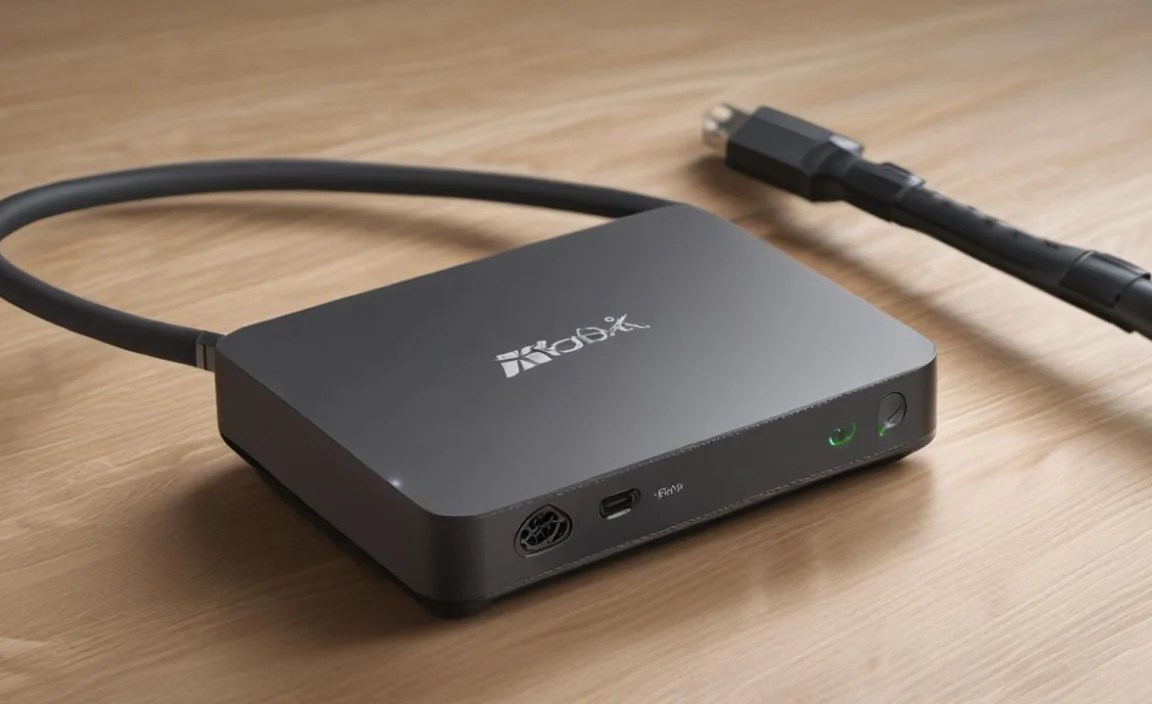
Setting up the Xbox wireless adapter for Windows 10 Xbox One controllers couldn’t be simpler. Most modern Windows 10 PCs recognized the adapter as a plug-and-play device, downloading and installing the necessary drivers automatically. Once plugged in, you simply press the pairing button on the adapter and then hold down the sync button on your Xbox wireless controller. The two devices quickly discover each other, and within seconds, you’re ready to go. There’s no need to navigate complex Bluetooth menus, troubleshoot pairing issues, or worry about software conflicts. It’s a straightforward, no-fuss process that gets you gaming faster.
The adapter also supports multiple controllers simultaneously. While a single adapter is typically sufficient for most solo gamers, it can handle up to eight wireless Xbox devices, including four controllers, with two gaming peripherals if needed. This makes it an excellent option for couch co-op gaming sessions on your PC, allowing friends and family to join in the fun without needing separate wireless solutions for each controller. The adapter manages the connections efficiently, ensuring each controller maintains its individual, low-latency link.
Enhanced Features and Compatibility
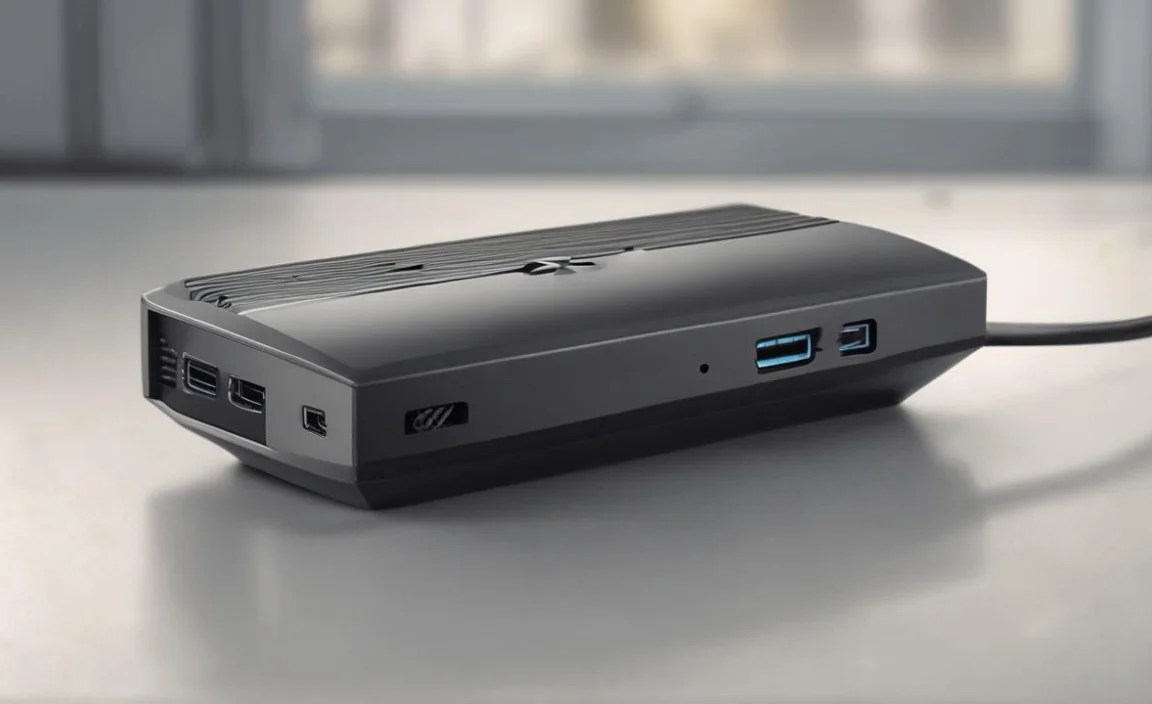
Beyond the core benefits of stability and low latency, the Xbox Wireless Adapter offers a few extra advantages. It fully supports the headset adapter for wireless chat and gameplay audio, something that often requires a wired connection or problematic Bluetooth pairings with alternative methods. This means you can enjoy all the benefits of your wireless Xbox controller, including full audio capabilities, without compromise.
The adapter is also designed to receive firmware updates for your Xbox wireless controllers. This ensures that your controller is always running with the latest performance enhancements and bug fixes, further cementing the adapter’s role in providing an optimal gaming experience. While it’s specifically lauded for its performance with Windows 10, the adapter is also compatible with Windows 11, offering a future-proof solution for your gaming setup.
Why Not Just Use Bluetooth?
While it’s true that newer Xbox One controllers and many PCs have built-in Bluetooth, the dedicated Xbox wireless adapter for Windows 10 Xbox One controllers consistently outperforms it for gaming. Bluetooth connections are inherently more susceptible to interference and can suffer from higher latency, especially in environments with many other wireless devices. Furthermore, not all Bluetooth implementations are equal. Some older controllers or specific Bluetooth chipsets on PCs may not provide the same seamless experience as the official adapter. The adapter guarantees a connection optimized for gaming, eliminating the guesswork and potential frustration associated with generic Bluetooth.
In conclusion, if you’re a Windows 10 gamer who enjoys using an Xbox wireless controller, investing in the official Xbox Wireless Adapter is a decision you won’t regret. It’s a small device that makes a monumental difference, delivering the stable, responsive, and immersive wireless gaming experience you deserve. Say goodbye to wires and Bluetooth woes, and hello to a world of seamless, high-performance PC gaming with your favorite Xbox controller. It’s the best way to truly unlock the potential of your Xbox wireless adapter for Windows 10 Xbox One setup.


