
Download Windows 10 Themes: Stunning & Free!
Download Windows 10 Themes: Stunning & Free!
Downloading themes for Windows 10 is a fantastic way to personalize your computing experience, transforming a sterile interface into a visually appealing and inspired environment. Gone are the days of monotonous desktop backgrounds and drab window colors. With a plethora of themes readily available, you can infuse your digital workspace with the beauty of nature, the energy of abstract art, or even the sleekness of futuristic designs. This isn’t just about aesthetics; a well-chosen theme can also subtly impact your mood and productivity, making your time spent on the computer more enjoyable and less of a chore.
The process of finding and applying new themes is surprisingly straightforward, making it accessible to users of all technical levels. Whether you’re looking for something vibrant and energetic or calm and serene, there’s a theme out there to match your personality and preferences. Think of it as redecorating your digital home – a quick and impactful way to refresh your surroundings without any complex installations or hefty price tags.
Where to Download Theme for Windows 10
The primary and most official source for Windows 10 themes is the Microsoft Store. This is where you’ll find a curated selection of high-quality themes, all vetted by Microsoft for safety and compatibility. To access them, simply open the Microsoft Store app on your PC. Navigate to the “Themes” section, and you’ll be presented with a wide array of categories. You can browse by popularity, new releases, or even by specific interests like animals, cars, landscapes, or art. Many of these themes are completely free, offering a wealth of visual customization without costing a penny.
Beyond the Microsoft Store, many reputable websites specialize in providing free Windows themes. These often feature more niche or independent creations that might not appear in Microsoft’s official store. However, it’s crucial to exercise caution when downloading from third-party sites. Always ensure the website is trustworthy and has positive reviews. Look for sites that offer clear download links and descriptive previews of the themes. Some well-known sources include dedicated theme sites, and even some tech blogs or forums might share links to high-quality, free theme packs. Remember to scan any downloaded files with your antivirus software as a precautionary measure, even from trusted sources.
Exploring Different Types of Themes
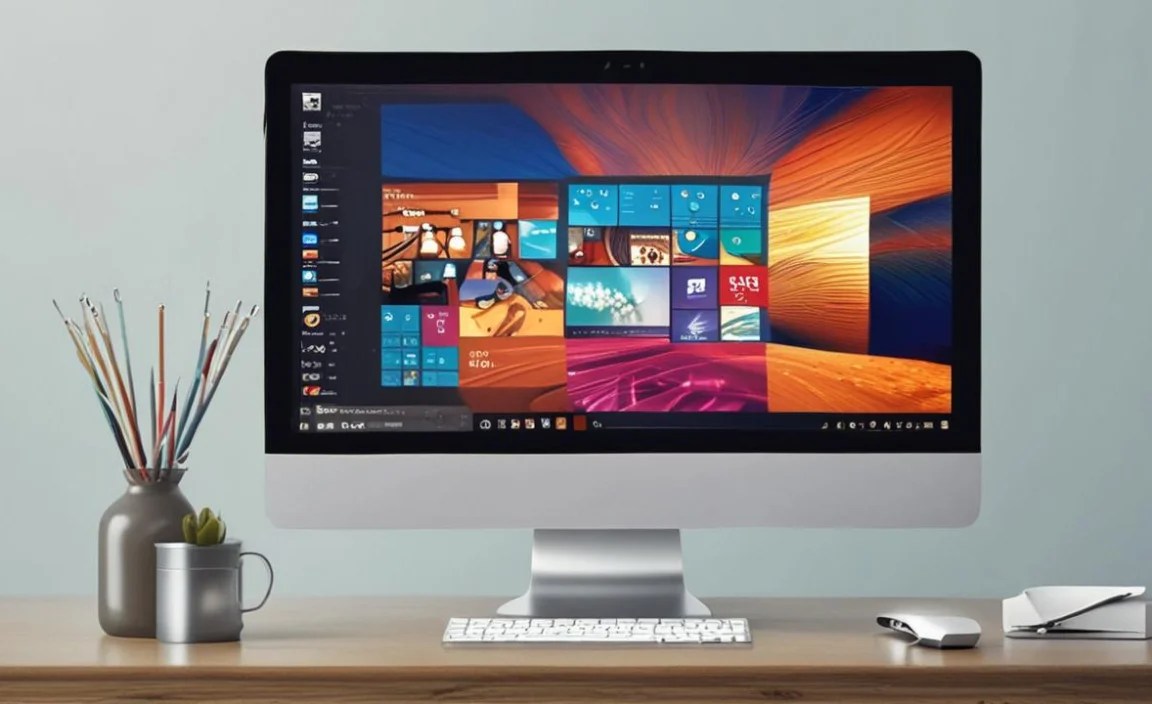
The diversity of available themes is truly impressive. You’ll encounter everything from subtle, minimalist designs that focus on calming color palettes and clean lines, to dynamic, animated themes that bring your desktop to life with subtle movements and transitions.
Nature enthusiasts will be thrilled with the abundance of landscape themes. Imagine waking up to a breathtaking mountain vista, a serene beach, or a lush forest every time you power on your computer. These themes often include collections of high-resolution wallpapers that capture the essence of the natural world, transforming your desktop into a window to another place.
For those with a passion for speed and engineering, automotive themes offer a thrilling collection of stunning car photography. From sleek sports cars to rugged off-road vehicles, these themes pulse with power and design. Similarly, animal lovers can find themes featuring majestic wildlife, adorable pets, or fascinating creatures from across the globe.
Art and abstract themes provide a more contemporary and often thought-provoking visual experience. These can range from vibrant, abstract explosions of color to sophisticated, geometric patterns. They are perfect for individuals who appreciate artistic expression and want to bring a touch of creativity to their digital environment.
Customizing Your Windows 10 Experience
Once you download theme for Windows 10, the customization doesn’t necessarily stop at the wallpapers and color schemes. Many themes also come with accompanying sound packs, modifying the standard Windows notification sounds to complement the visual theme. For example, a nature-themed pack might replace default alerts with bird chirps or gentle water sounds.
Furthermore, some themes might include custom icons for your taskbar or desktop shortcuts, further enhancing the cohesive look and feel. While these are less common in basic free themes, they are often found in more elaborate theme packs.
Applying a downloaded theme is usually a simple process. For themes from the Microsoft Store, a single click on the “Get” or “Install” button is all it takes. Once installed, you can find them under Settings > Personalization > Themes. For themes downloaded from external sources, you’ll typically receive a .themepack file. Double-clicking this file will automatically install the theme into your Windows settings, ready to be applied.
Tips for Choosing and Applying Themes
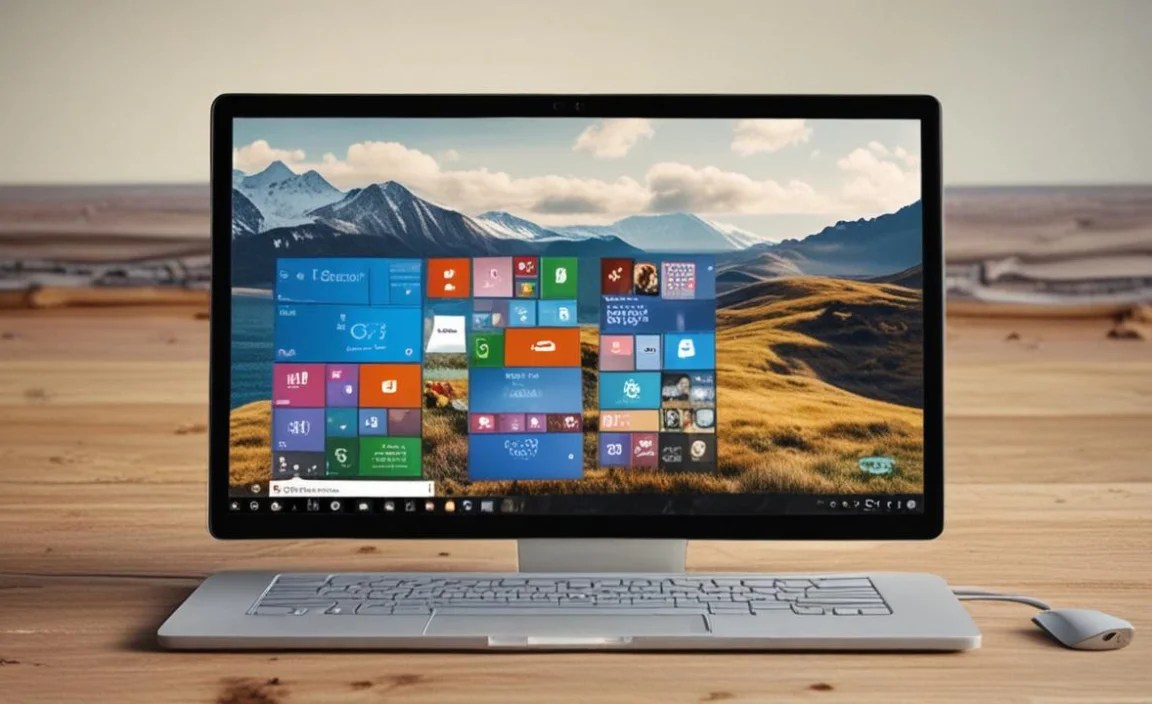
When selecting a theme, consider your daily workflow. If you spend long hours staring at your screen, a theme with a dark mode or muted colors might be easier on your eyes. Conversely, if you need an energizing visual boost, opt for vibrant and dynamic themes.
Always preview a theme before fully committing. Most theme descriptions or download pages will offer screenshots or even short videos demonstrating the theme in action. This helps you gauge whether the overall aesthetic aligns with your preferences.
Don’t be afraid to experiment! The beauty of themes is their ease of application and removal. You can switch between themes as often as you like, tailoring your desktop to your mood or the task at hand. If a theme doesn’t quite meet your expectations, simply navigate back to your personalization settings and select a different one.
Finally, remember that while many themes offer a complete visual overhaul, you can also mix and match elements. You might like the wallpapers from one theme, the accent colors from another, and the sounds from a third. Windows 10 offers the flexibility to personalize each aspect individually, allowing for truly unique desktop customizations.
In conclusion, downloading themes for Windows 10 is an accessible and rewarding way to inject personality and visual appeal into your daily computing. With a vast array of options, both free and paid, from the official Microsoft Store to third-party repositories, you can effortlessly transform your digital workspace into a reflection of your unique style and interests. So, take some time, browse the collections, and discover stunning themes that will make your Windows 10 experience truly your own.


