Best Audio Recorder Software Windows 10
Capturing Every Sound: Your Guide to the Best Audio Recorder Software for Windows 10
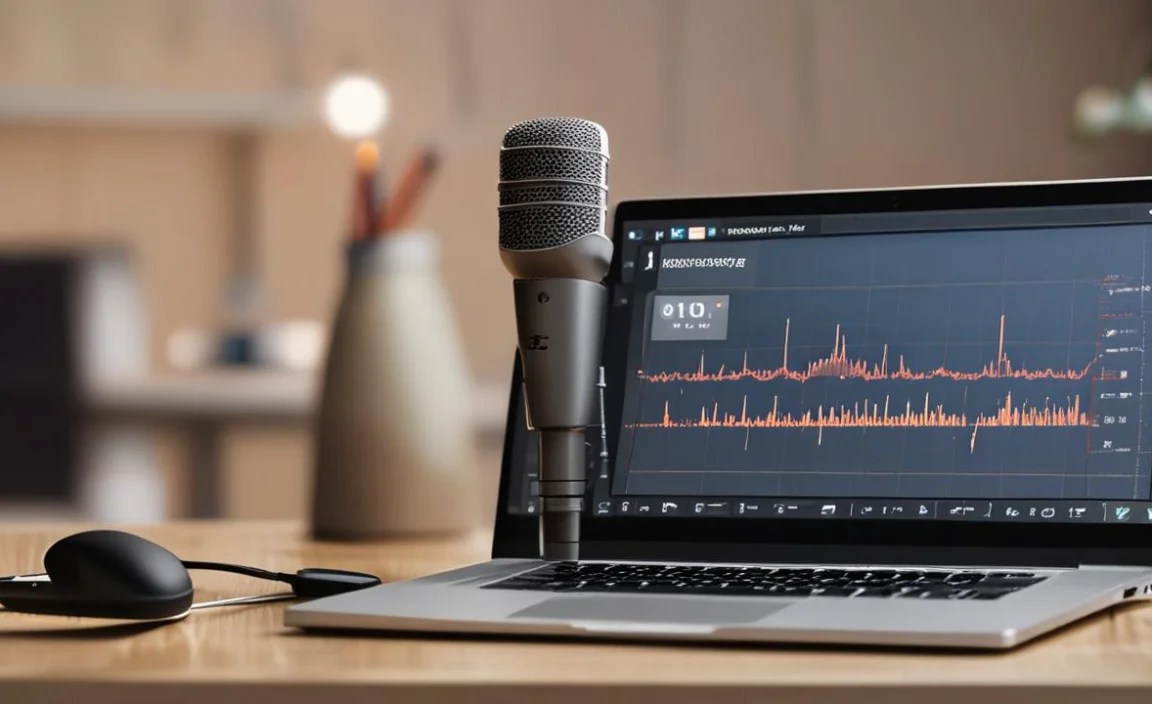
Audio recorder software for Windows 10 represents an essential toolkit for creators, professionals, and everyday users alike. Whether you’re a musician laying down tracks, a podcaster capturing interviews, a student recording lectures, or simply someone wanting to preserve a memorable conversation, the right software can make all the difference. In the complex digital landscape of Windows 10, finding the perfect audio recorder might seem daunting, but with a clear understanding of your needs and the features available, you can unlock powerful sound-capturing capabilities.
The journey to finding the “best” audio recorder is inherently personal, as it hinges on what you intend to record and your technical proficiency. Some users might prioritize simplicity and ease of use, looking for an application that can quickly capture basic audio with minimal fuss. Others will demand advanced features like multi-track recording, extensive editing capabilities, noise reduction, and support for various audio formats. Fortunately, Windows 10 offers a spectrum of options, from built-in tools to sophisticated professional-grade applications, each catering to different requirements.
Essential Features to Consider in Audio Recorder Software

Before diving into specific recommendations, it’s crucial to understand the key functionalities that elevate a good audio recorder to a great one. When evaluating audio recorder software for Windows 10, keep an eye out for the following:
Ease of Use: An intuitive interface is paramount, especially for beginners. Can you start recording quickly without a steep learning curve?
Recording Quality: The software should offer high-fidelity recording, ideally supporting various sample rates and bit depths. Consider lossless formats like WAV for uncompressed audio.
Editing Capabilities: Beyond basic recording, the ability to trim, cut, copy, paste, and mix audio is invaluable. Features like noise reduction, audio normalization, and effect application can significantly enhance your recordings.
Format Support: Compatibility with a wide range of audio file formats (MP3, WAV, AAC, FLAC, OGG, etc.) ensures your recordings can be used across different platforms and devices.
Multi-track Functionality: For musicians and podcasters, the ability to record and edit multiple audio sources simultaneously is a game-changer, allowing for complex arrangements and sound layering.
Input/Output Options: Support for different audio interfaces, microphones, and playback devices is essential for flexibility.
Additional Features: Look for extras like built-in effects, VST/AU plugin support (for professional DAWs), audio normalization, voice-to-text transcription, and cloud integration.
Built-in and Free Audio Recorder Software for Windows 10

Windows 10 comes with some basic audio capture tools that can be surprisingly effective for simple tasks.
1. Voice Recorder (or Sound Recorder):
This is the most straightforward option pre-installed on most Windows 10 systems. Accessible through the Start Menu, Voice Recorder is designed for quick and easy voice note-taking or recording short audio snippets.
Pros: Extremely simple to use, no installation required, perfect for quick memos and reminders.
Cons: Very limited editing features, basic recording quality, not suitable for professional audio production.
For users who only need to jot down a quick note or record a brief spoken thought, this free utility is often sufficient. It’s a good starting point to understand the fundamental functionality of audio recording.
2. Audacity:
Often hailed as the gold standard of free, open-source audio editing and recording software, Audacity is a powerhouse that punches far above its weight. It’s available for download on Windows 10 and offers a comprehensive suite of tools for both beginners and experienced users.
Pros: Free, extensive editing features (cut, copy, paste, trim, noise reduction, normalization, effects), multi-track recording, broad format support, vast community support and tutorials.
Cons: The interface can appear a bit dated and overwhelming for absolute beginners, though its functionality is undeniable.
Audacity is an excellent choice for podcasters, musicians working on a budget, and anyone requiring robust editing capabilities without the cost of premium software. Its ability to handle multi-track projects makes it incredibly versatile.
Premium and Professional Audio Recorder Software for Windows 10
When your audio needs become more demanding and you require professional-grade tools, there are several paid options that offer advanced features and polished workflows.
1. Adobe Audition:
Part of the Adobe Creative Cloud suite, Audition is a professional digital audio workstation (DAW) renowned for its robust editing, mixing, mastering, and audio restoration capabilities. It’s ideal for radio production, podcast editing, and sound design.
Pros: Industry-standard features, powerful noise reduction and restoration tools, excellent multi-track editing, seamless integration with other Adobe products, extensive batch processing options.
Cons: Subscription-based pricing can be a barrier for some, can have a steep learning curve for new users.
If you’re serious about audio production and require top-tier tools for cleaning up, mastering, and mixing, Adobe Audition is a worthwhile investment.
2. Reaper:
Reaper is a highly customizable and powerful DAW that offers an incredibly flexible and efficient environment for audio recording, editing, mixing, and mastering. It’s known for its low latency, extensive plugin support, and affordable licensing.
Pros: Extremely powerful and customizable, excellent performance, vast plugin compatibility (VST, VST3, AU, LV2), very affordable licensing with a generous evaluation period, active community.
Cons: The interface is highly customizable but can appear complex initially, requiring some time to get used to.
Reaper is favored by many professional musicians, sound engineers, and even video editors for its speed, efficiency, and deep feature set. Its flexibility makes it adaptable to almost any audio workflow.
3. FL Studio:
While often associated with electronic music production, FL Studio is a fully functional DAW that excels at recording, editing, and arranging audio. It boasts a unique workflow and a comprehensive set of tools.
Pros: Intuitive pattern-based workflow (great for arranging), excellent built-in plugins and virtual instruments, user-friendly interface for many, perpetual license allows lifetime updates.
Cons: Can be more focused on music creation than pure audio editing or restoration compared to some other DAWs.
FL Studio is a fantastic option for producers and artists looking for a creative environment that seamlessly integrates recording with sequencing and composition.
Choosing the Right Audio Recorder Software for You
The “best” audio recorder software for Windows 10 ultimately depends on your specific needs and budget.
For quick notes and simple recordings: The built-in Voice Recorder is your go-to.
For aspiring podcasters, musicians on a budget, or those needing comprehensive free editing: Audacity is an unparalleled choice.
For professional audio engineers, sound designers, and those in broadcasting: Adobe Audition offers industry-leading features and workflows.
For highly customizeable, efficient, and affordable professional workflows: Reaper provides immense power and flexibility.
For music producers and composers who also need robust recording: FL Studio offers a creative and integrated solution.
By understanding your project’s demands and exploring the features offered by these various software options, you can confidently select the audio recorder that will best empower you to capture, create, and refine your sound on Windows 10. Don’t be afraid to try out evaluation versions of paid software or experiment with Audacity to find the perfect fit for your auditory ambitions.